
Your first site
From an empty folder to a website in five steps, with folders and documents only.

Open source, in beta
Foldocs reads a folder you share from Google Drive or Nextcloud and publishes it as a website. You go on writing in Google Docs or Word; a few minutes after each change, the site is updated.

Five steps to a site, then putting it online.
From an empty folder to a website in five steps, with folders and documents only.

Foldocs runs on a small server. Setting it up takes about fifteen minutes.
Four sites, each made from one shared folder.

A portfolio, a stream of writing and the pages about you, from one folder.

Projects, people and news, written by the whole group.

Photos from a phone, a few words each day, posted from the road.
What a folder can do, one page per topic. Each page shows what it explains.

How a folder becomes a site.

Foldocs needs only a link to the folder. The folder is public, as the site is.

The folder structure is the site structure; the names set the order.
What's new in Foldocs.
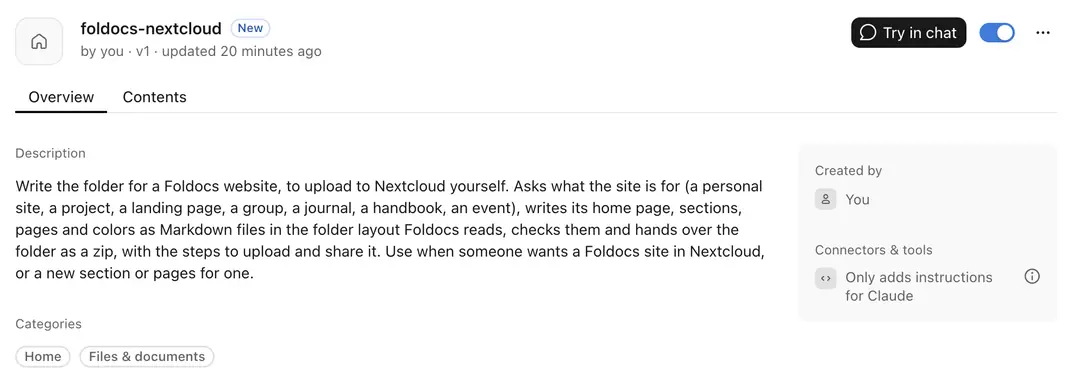
Claude SKILL to help you set up a Foldocs site quickly

The first public release, in beta.

A folder shared by link on your own cloud works as well as one in Google Drive.
Four photos dropped into a folder. Each became a page, dated by the camera.


