
Documents become pages
What a document can contain, shown on one page. Compare it with its document.
The paragraph styled Title is the page's title, the one styled Subtitle its summary, like the line above. Without a Title, the document's name is the title. Everything else comes along as it is. Open this page's document with the link next to its title, and compare.
Text
Bold, italic, code and links. Text in a monospace font, such as Courier New or Roboto Mono, becomes code, for a file name like intro.docx or a setting like FOLDER_URL. Links to web pages, email and phone numbers work; anything else is left out. A heading is a heading on the page, with an anchor of its own to link to. To link to another page of your site, paste its full address: it becomes a link within the site.
Lists
- Bulleted lists
- Numbered lists
- and lists in lists
- as deep as you need
- and lists in lists
- First
- Second
- Third
Quotes
Docs has no quote style, so an indented paragraph becomes a quote:
Simplicity is prerequisite for reliability. — Edsger W. Dijkstra
Tables
| In the folder | On the site |
|---|---|
| A folder | A section, or a subsection |
| A document | A page |
| A photo | A photo page |
| A number in front of a name | Its place in the order |
| A date in front of a name | Its date |
Images
An image as wide as the page in the document is as wide as the text on the site:

An image you made smaller keeps that share of the width:
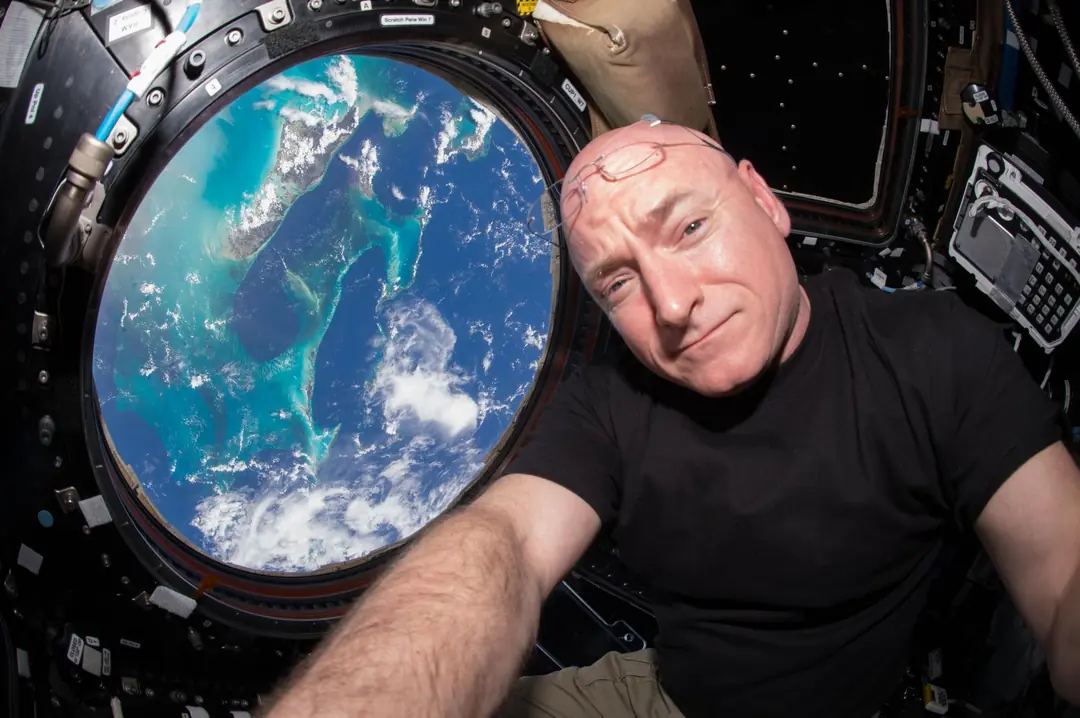
The first image in a document is also its picture on cards and in link previews.
What stays behind
Comments, suggestions, version history and the document's own fonts and colors stay in the document. Foldocs rebuilds every page from a short list of allowed elements, so the site looks consistent however a document was styled.