
Documents become pages
Everything a document can hold, on one page. Compare it with its document.
The paragraph styled Title is the page's title, the one styled Subtitle its introduction, like the line above. Without a Title, the document's name is the title. Everything else comes along as it is:
Text
Bold, italic and links. Links to web pages, e-mail and phone numbers work; anything else is left out. A heading is a heading on the page, with an anchor of its own to link to. To link to another page of your site, paste its full address: it becomes a link within the site.
Lists
- Bulleted lists
- Numbered lists
- and lists in lists
- as deep as you need
- and lists in lists
- First
- Second
- Third
Quotes
Docs has no quote style, so an indented paragraph becomes a quote:
Simplicity is prerequisite for reliability. — Edsger W. Dijkstra
Tables
| In the folder | On the site |
| A folder | A section, or a subsection |
| A document | A page |
| A photo | A photo page |
| A number in front of a name | Its place in the order |
| A date in front of a name | Its date |
Images
An image as wide as the page in the document is as wide as the text on the site:
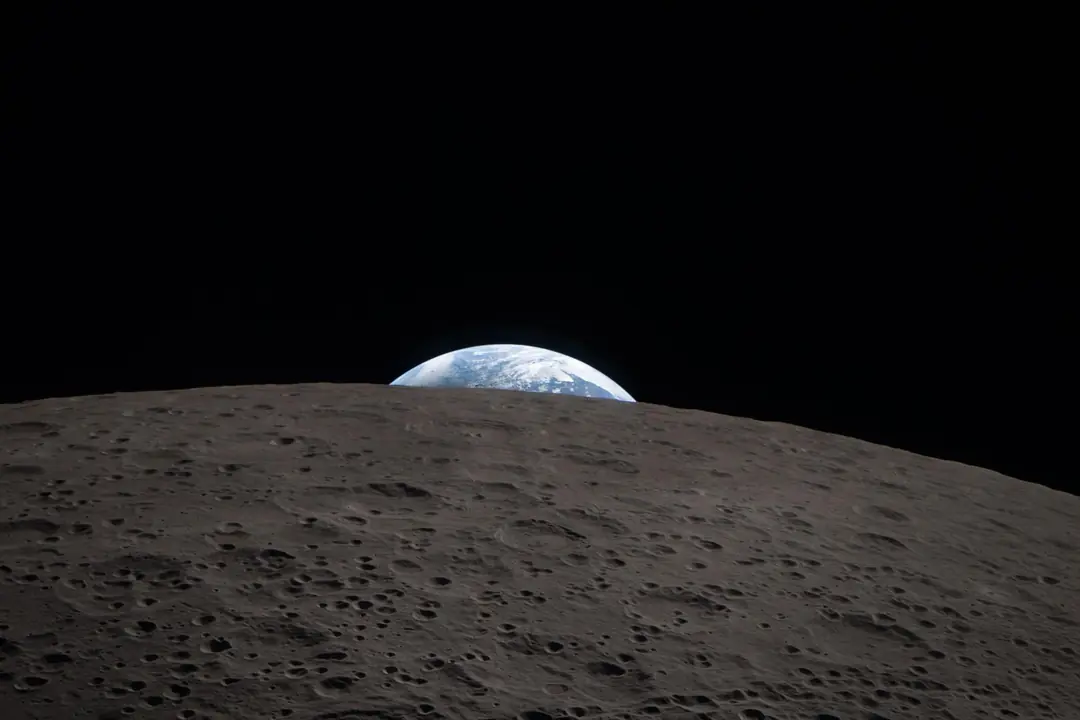
An image you made smaller keeps that share of the width:

The first image in a document is also its picture on cards and in link previews.
What stays behind
Comments, suggestions, version history and Google's styling stay in the document. Foldocs rebuilds every page from a short list of allowed elements, so fonts and colours come from the site, never from the document: write freely, the site keeps it consistent.