
Claude SKILL for Foldocs
Claude SKILL to help you set up a Foldocs site quickly
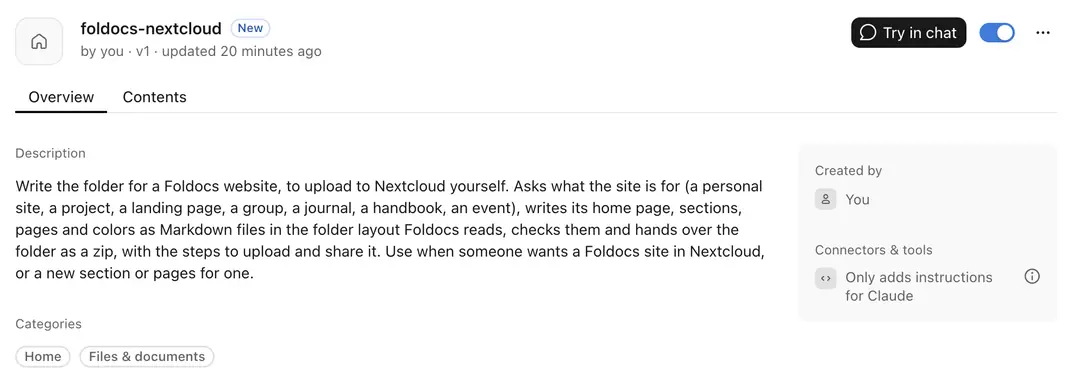
We’ve published a Claude SKILL to help you generate the right (Nextcloud) structure for a Foldocs site quick and easy.
Setting it up
On try.foldocs.com, download the skill for Claude, and add it to Claude as a skill.
Ask Claude for a site: “a portfolio for my illustration work”, “a page for our open day”, “a handbook for the team”. It asks a few questions, shows you the folder it has in mind, and writes it once you agree.
Unpack the zip, drag the folder into Nextcloud, and share it with a link, view only.
Paste the link on Try it now to see it as a site a minute later.
What it knows
The skill starts from the kind of site you describe: a personal site, a project, a landing page, a group, a journal, a handbook or an event. Each gets a folder laid out the way the examples show. Claude uses what you give it (texts, a CV, photos) and doesn’t make things up: where something is missing, it leaves a note in [square brackets] for you to fill in. Before handing anything over, it checks the folder the way Foldocs will read it, so every page has a title, every image is there and every color counts.
The pages are Markdown files, which Nextcloud’s Text app opens and edits. From then on the folder is yours: change a file, and the site follows.